Our product
Tail Lens: Tailwind CSS Visual Editor
A browser extension for Tailwind developers. Hover any element to see its classes, try others live, and copy the result back to your code.
Platforms
- Browser extension
Overview
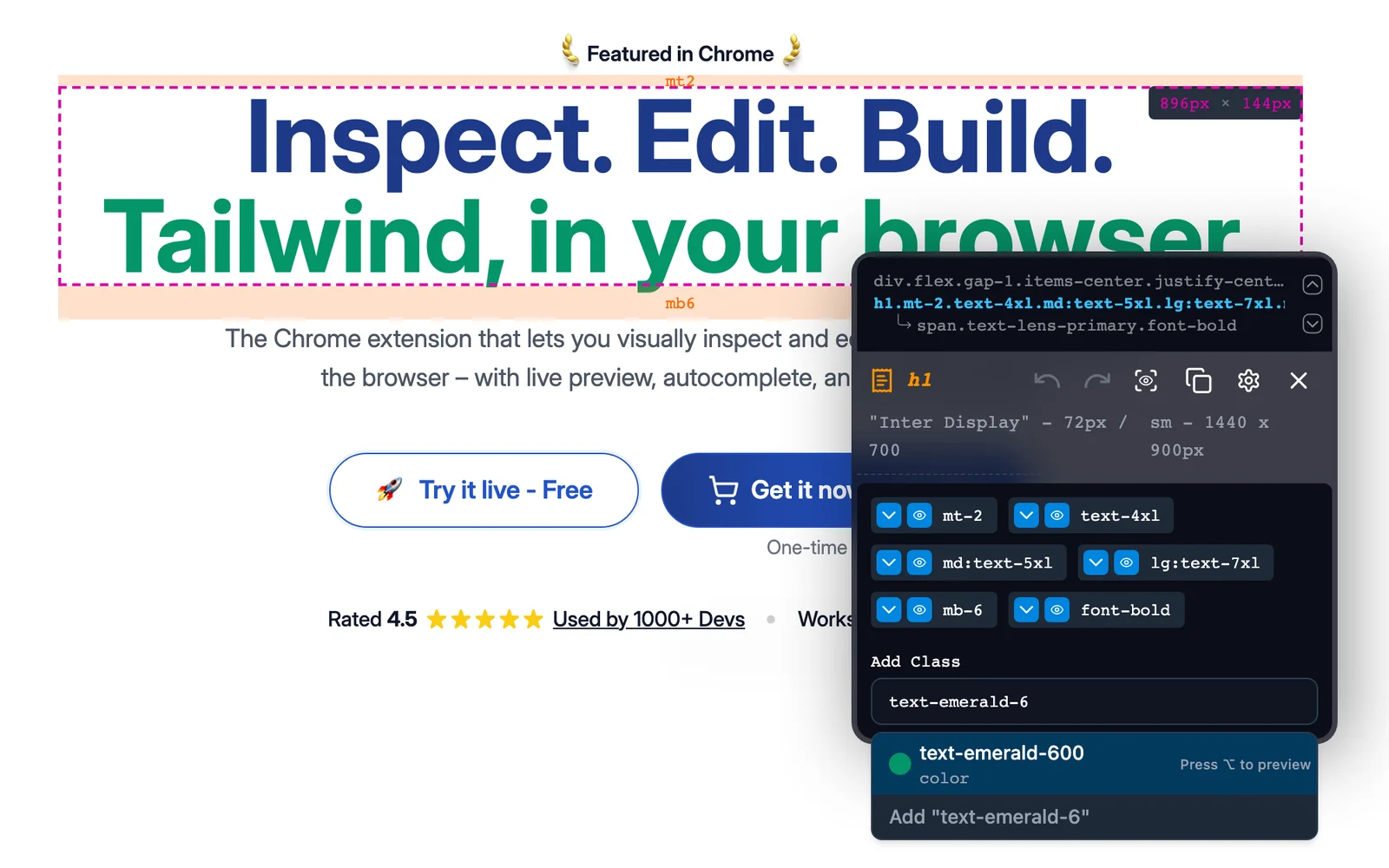
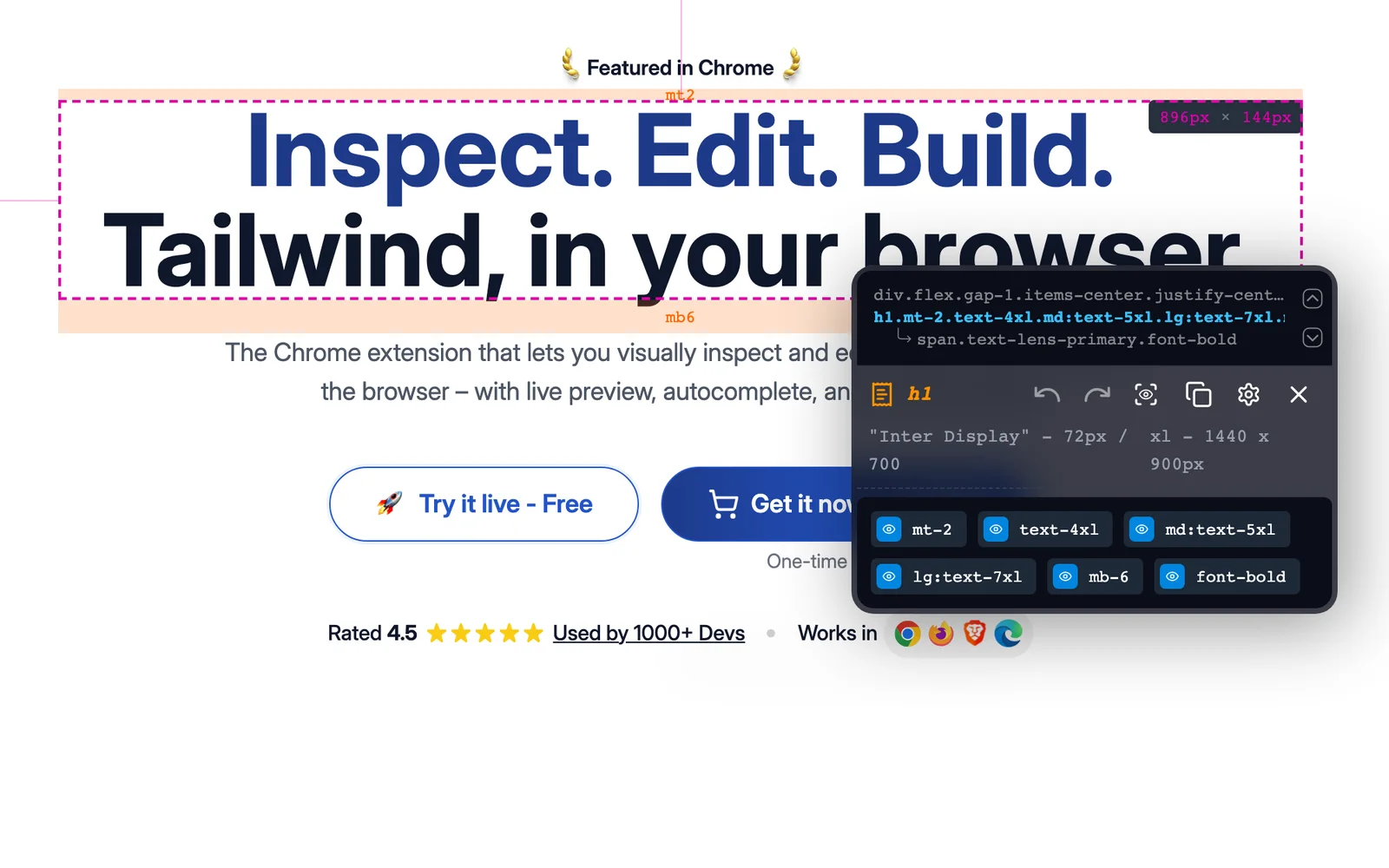
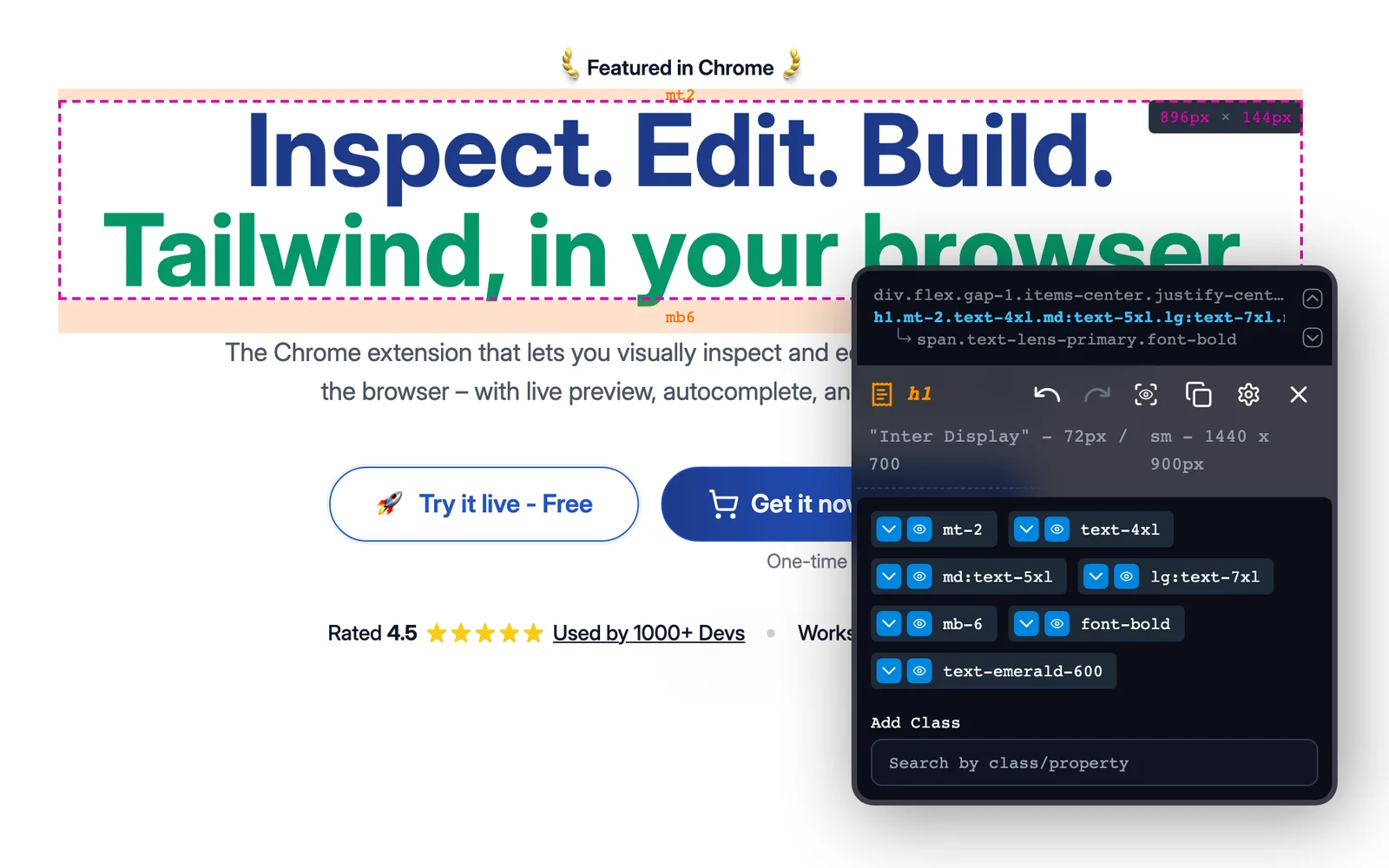
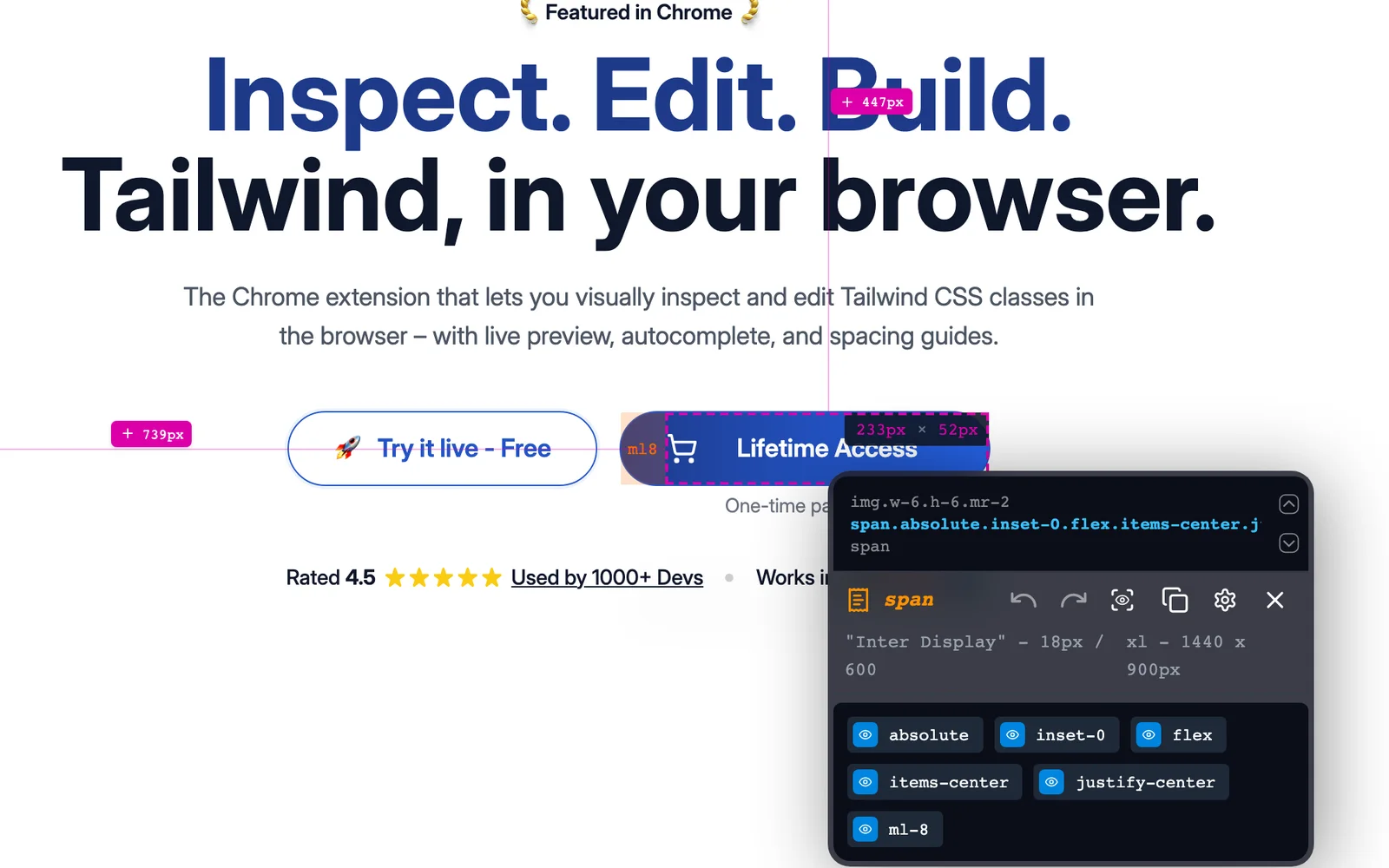
Tail Lens is our own browser extension for people who build with Tailwind CSS. Hover over any element to see its Tailwind classes. Try different ones and see the change straight away, search and apply classes from your own Tailwind config, then copy the finished result. You don't have to keep switching between the browser and your editor. It's featured on the Chrome Web Store.
Project details
- Client
- CyberMind Works (own product, published as CMW Labs)
- Industry
- Developer tools
- Platform
- Chrome and Firefox extension + licensing / announcements server
What we built
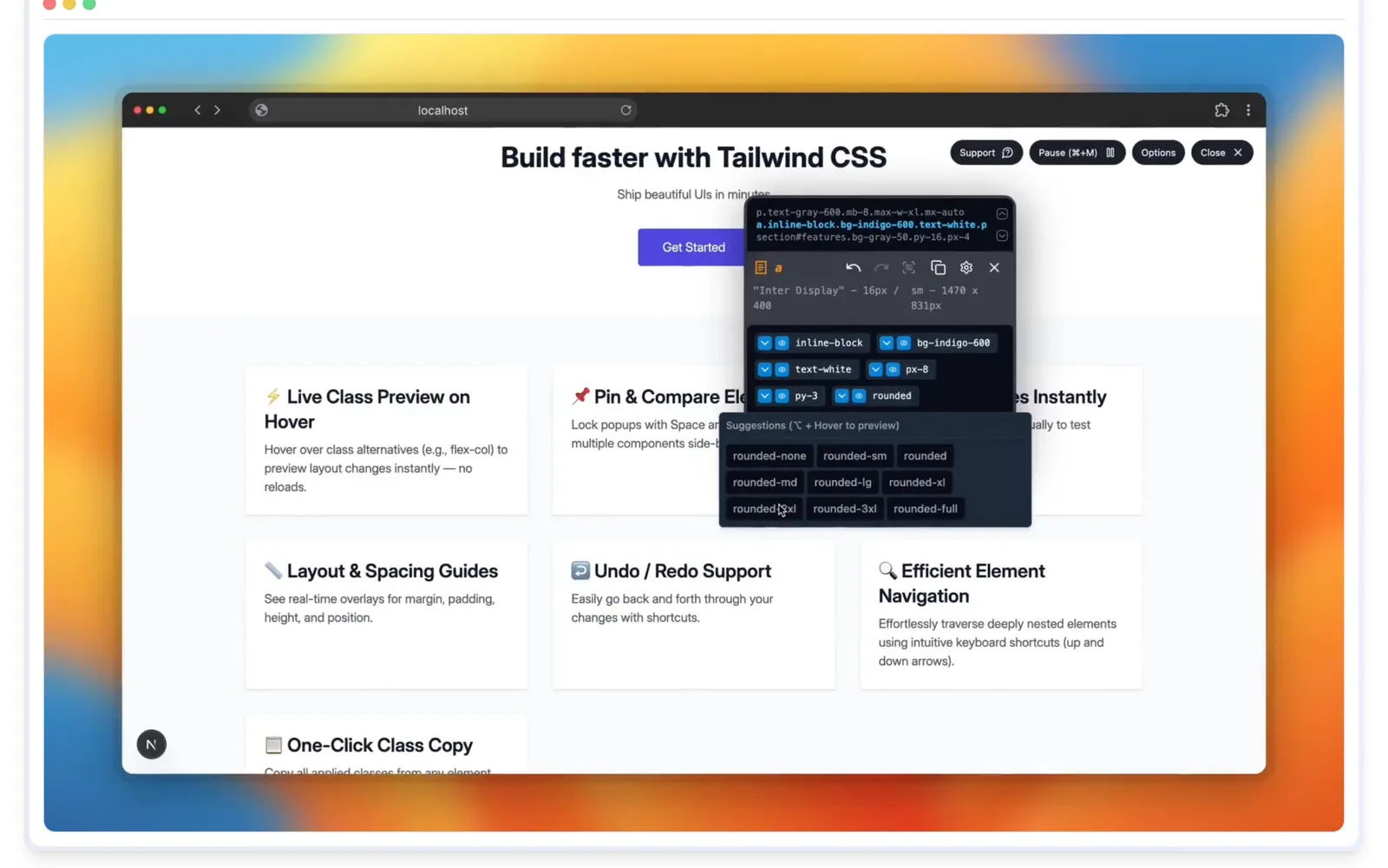
- Hover to inspect any element's Tailwind classes; press Space to pin and compare elements side by side
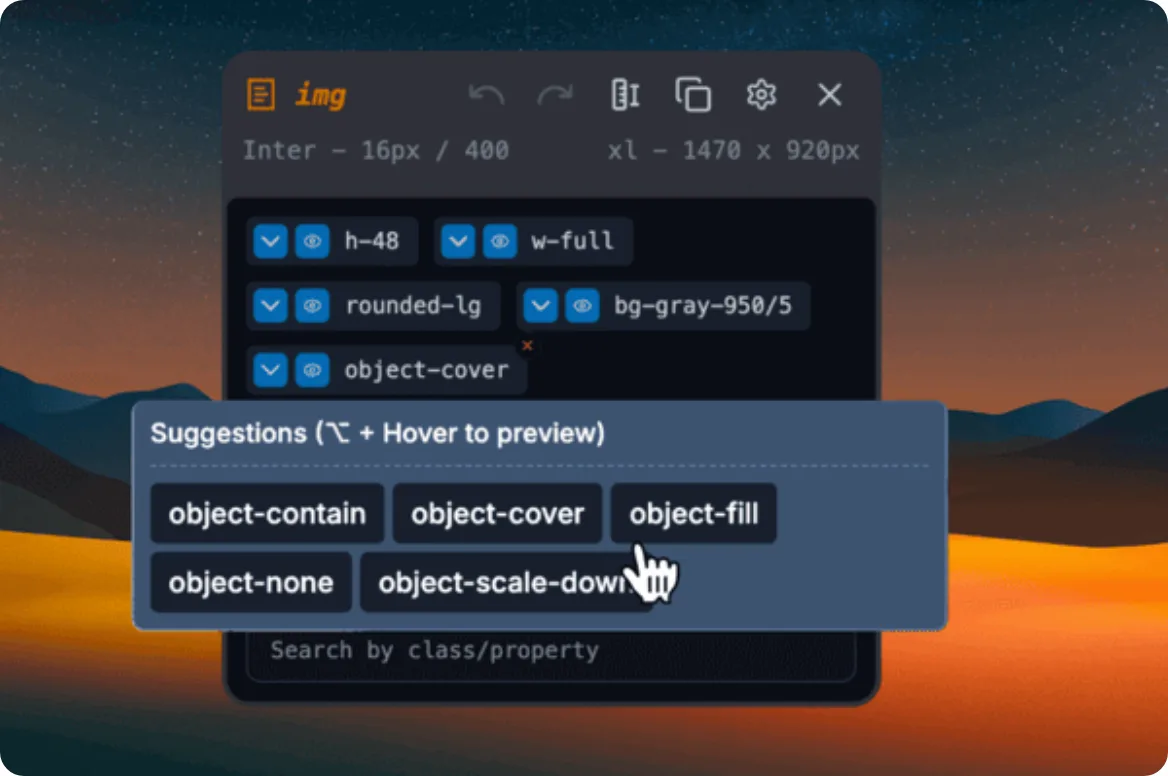
- Suggested alternative classes with a live preview on hover (e.g. flex-col, gap-4), no reload
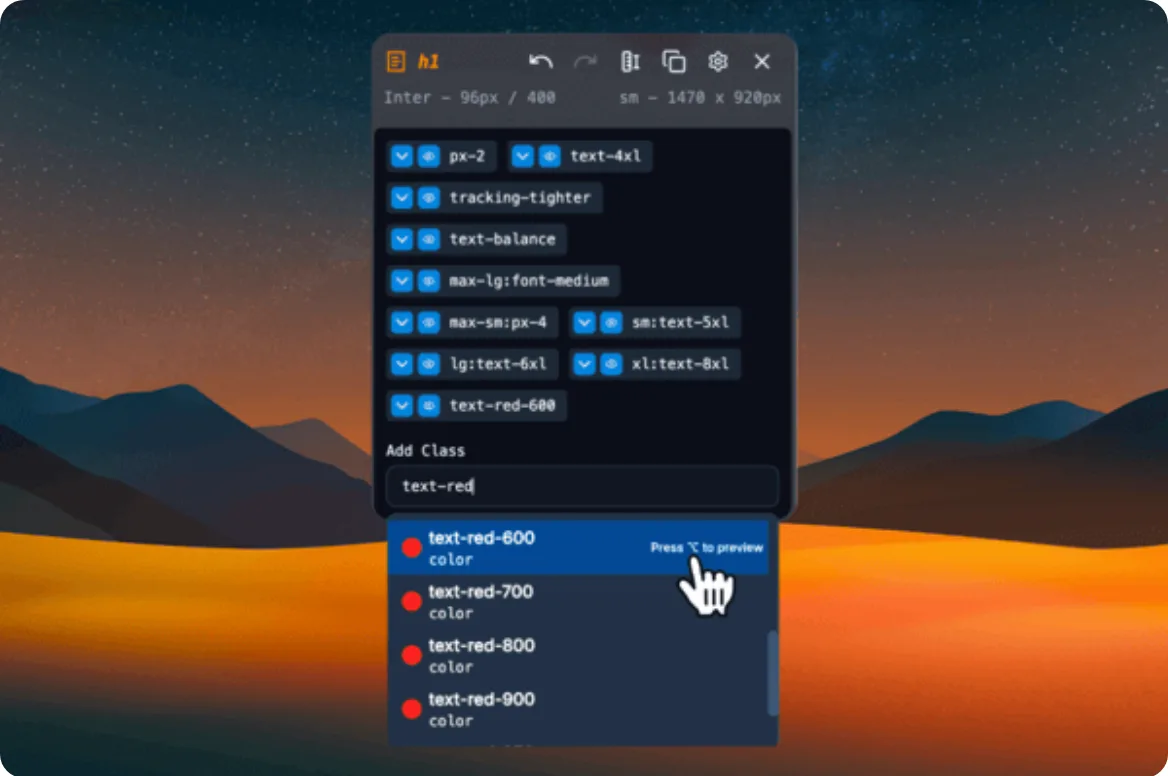
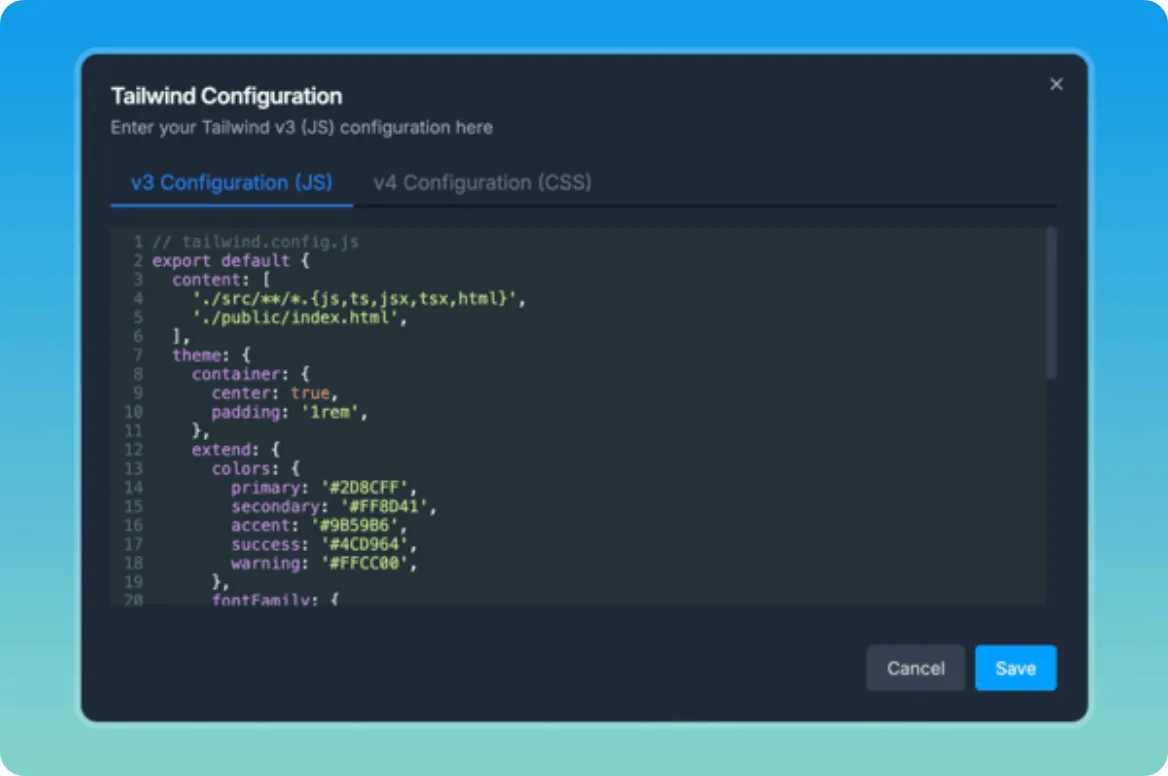
- Search any Tailwind class, including your own tailwind.config (themes, breakpoints); Alt-hover to preview, click to apply
- Tailwind v3 and v4 support, including v4's CSS-based config; see the generated CSS for any class
- Toggle classes on and off, undo / redo, keyboard navigation through nested elements
- Margin, padding and size guides as overlays
- One-click copy of the final class list
- In-extension announcements for new releases; lifetime licences with a free trial
Inside the product



01 / 12
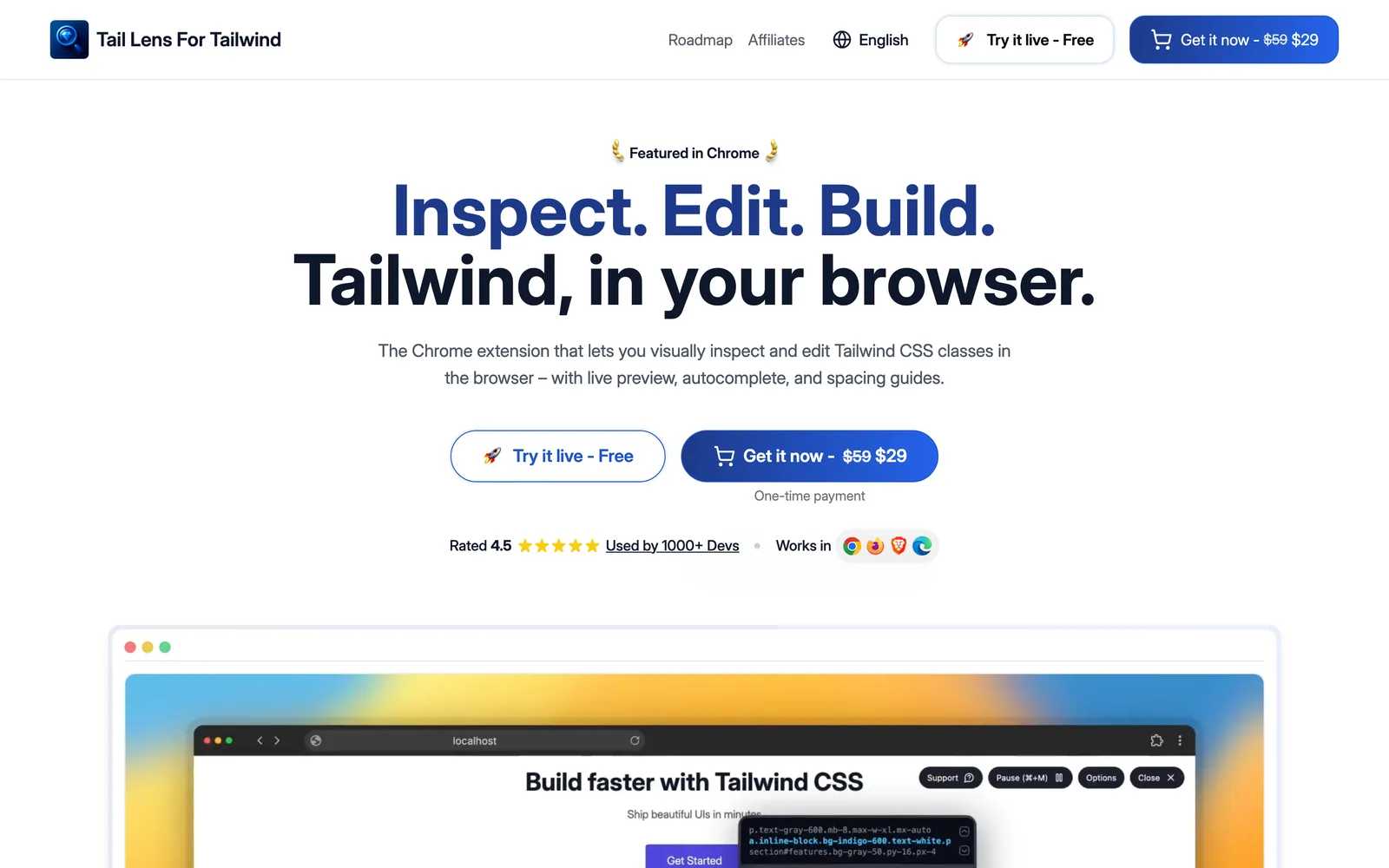
Marketing site. The taillens.io landing page
Technology
Tech stack
- WXT (extension framework)
- React
- TypeScript
- Tailwind CSS (in-browser JIT compile)
- CodeMirror
- Radix UI
- uFuzzy search
- Express + Babel / recast (server)
- Vite