Interactive Session: Live Quizzes for Trial Classes
A live quiz for Skill-Lync's webinars and free trial classes. Students join from their phones with a short code, and the instructor puts the questions, the results and the leaderboard on everyone's screen at once.
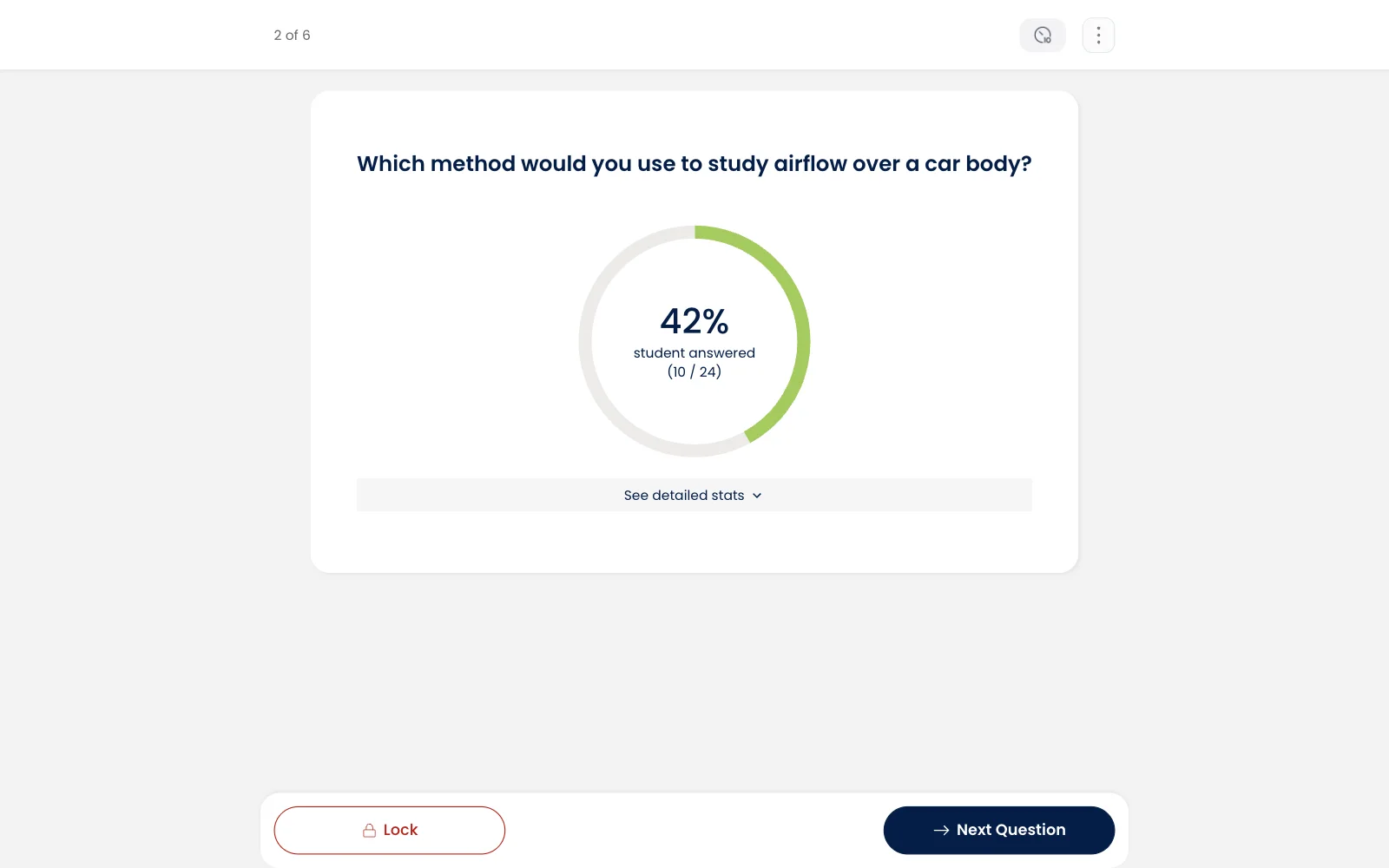
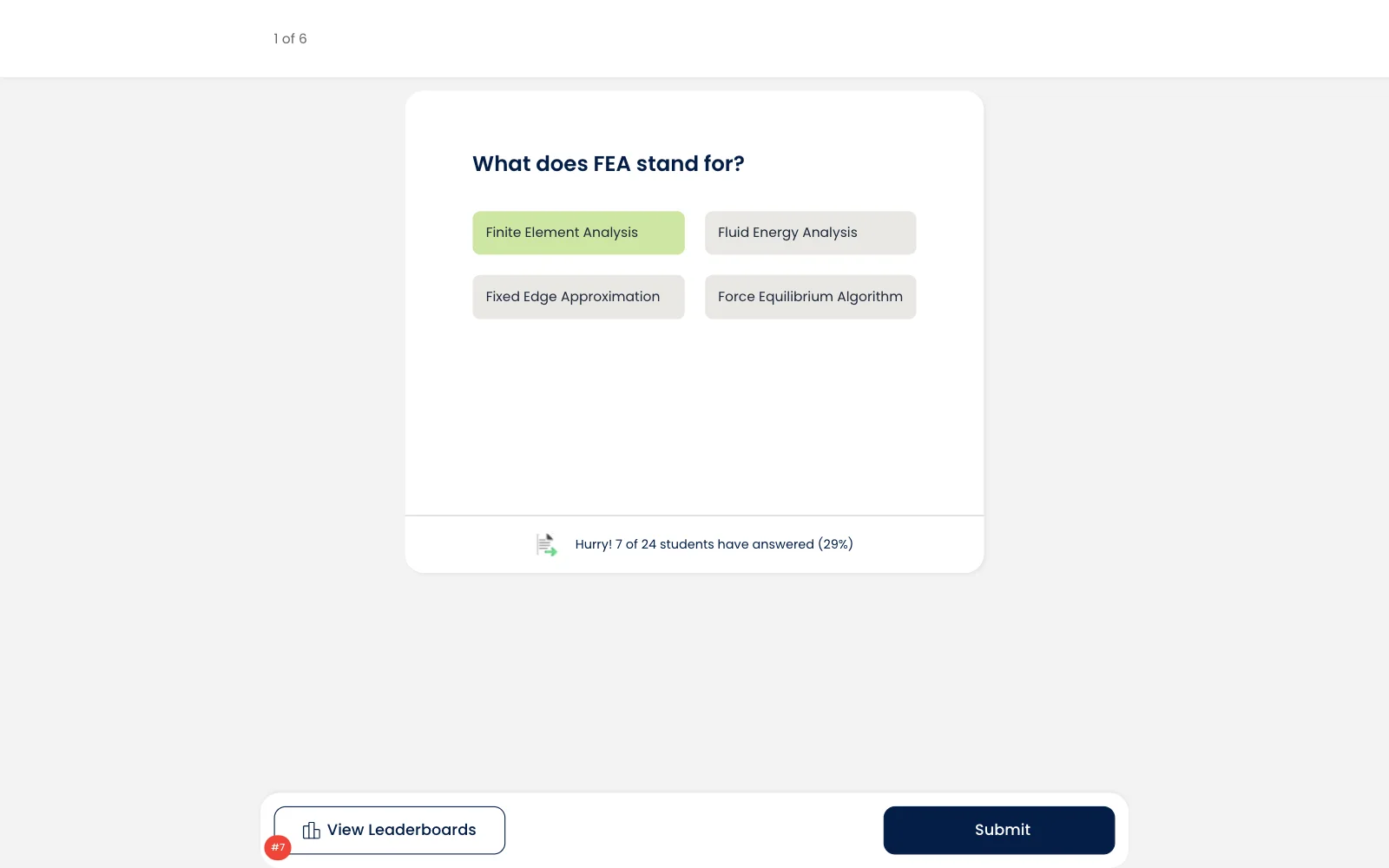
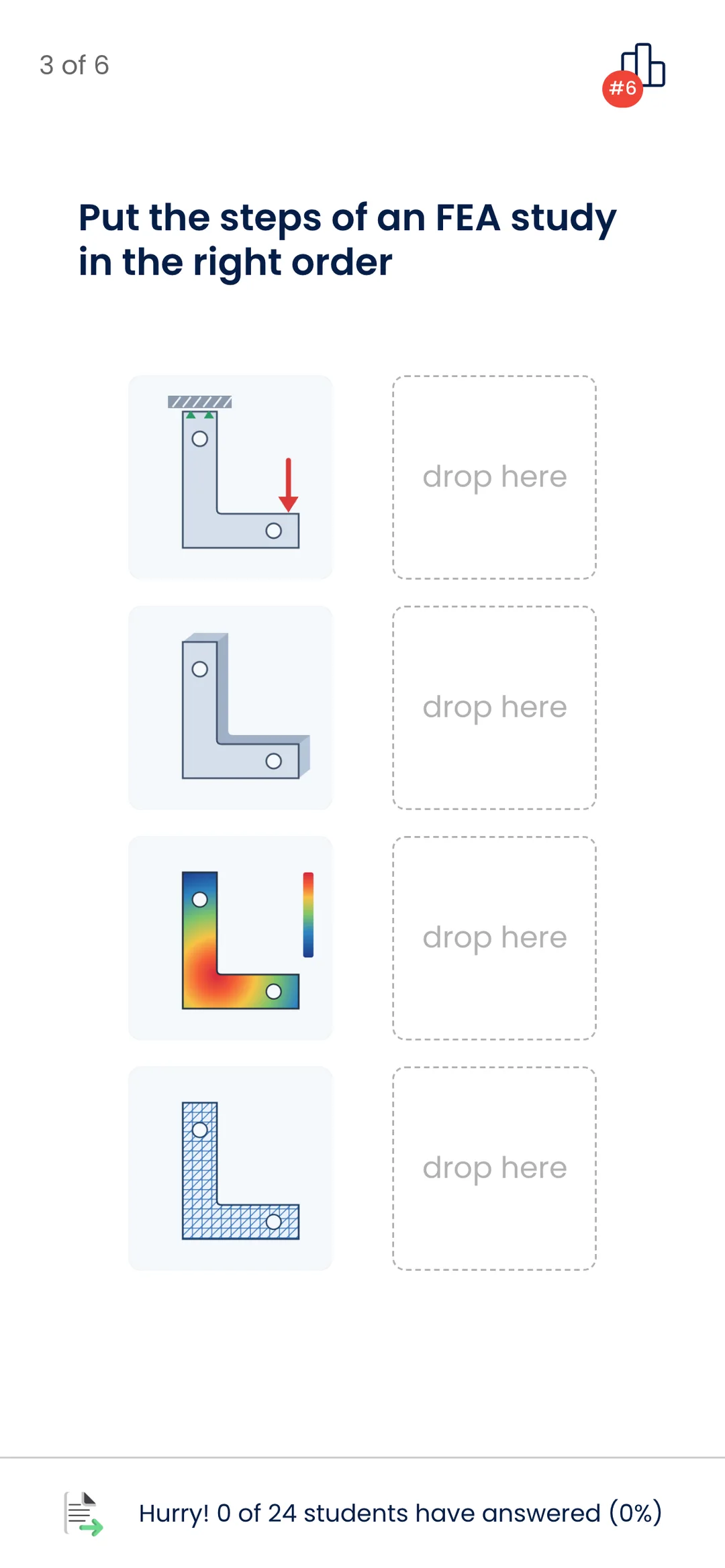
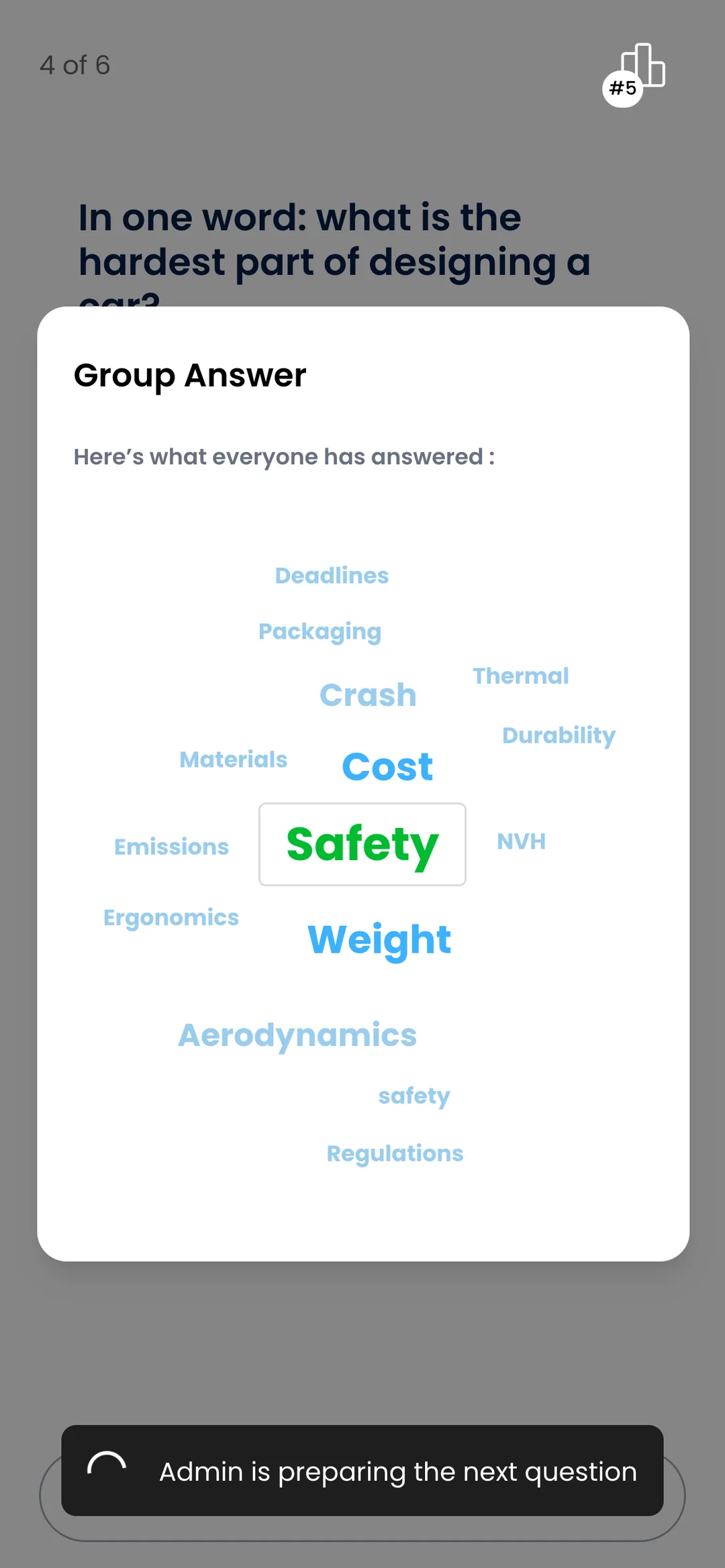
- Kinds of question, from multiple choice to word clouds and putting pictures in order
- 3
Platforms
- Web
Overview
Skill-Lync runs free trial classes so engineers can try a course before they pay for it. They wanted those classes to feel less like a lecture, so we built Interactive Session, a live quiz that runs inside the class. Before the class, everyone who signed up gets a link to a page with the course details, a countdown and a button to join. In the class, students join from their phones with a short code. The instructor moves through the questions, locks the answers, starts a ten-second countdown and shows the leaderboard on everyone's screen, and every phone keeps up straight away. A faster right answer scores more points. Students see a word cloud of what the whole room wrote, and at the end they get their points, their rank and a result they can share. Everyone who joins is also passed to Skill-Lync's CRM, so the sales team knows who took part.
Project details
- Client
- Skill-Lync
- Industry
- EdTech for engineering upskilling
- Market
- India
- Engagement
- Jul to Nov 2023
- Our role
- The web app for students and instructors, the real-time backend and the cloud setup
- Platform
- A web app for phones and laptops, with its own real-time backend
What we built
Trial classes and joining
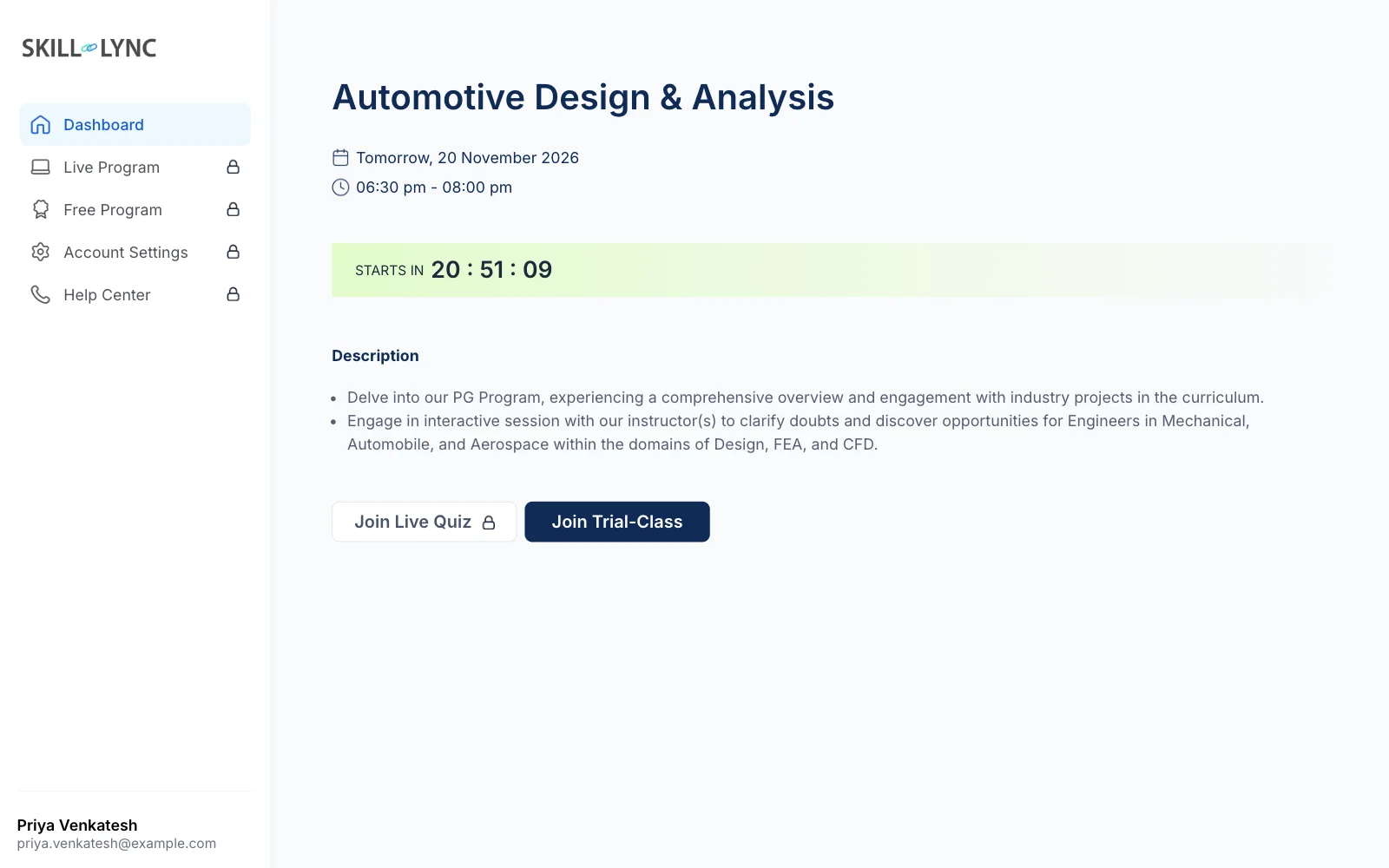
- Everyone who registers gets their own link to the trial-class page, with the course, the date and a countdown
- From that page they can open the class, and the quiz once it goes live
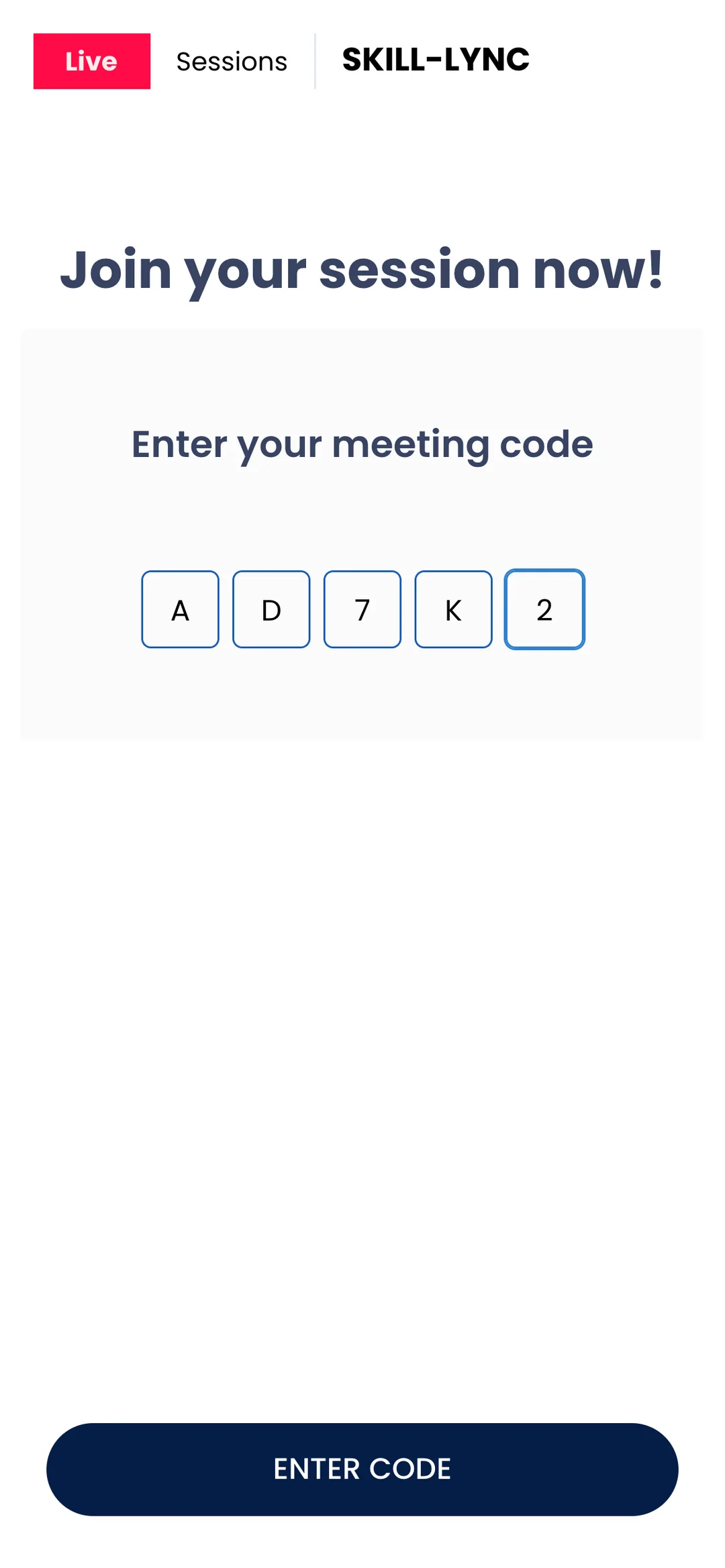
- Anyone else can join from any browser with a five-character code, their name and email
- A waiting room holds students until the instructor starts the session
Instructor controls
- Move on to the next question, and lock or unlock answers whenever they like
- Start a ten-second countdown to hurry everyone along
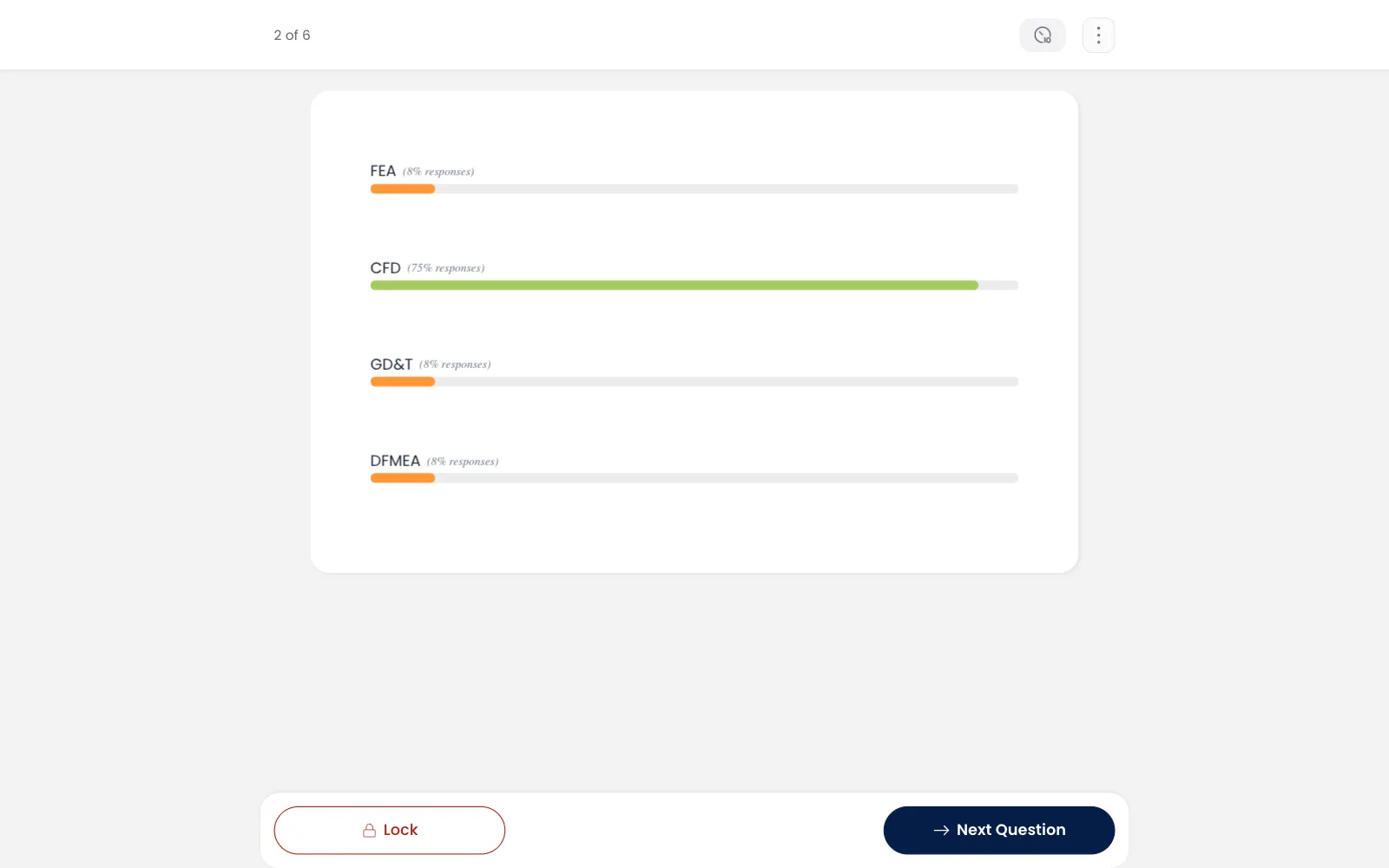
- See how many students have answered as it happens, and open the full results for each question
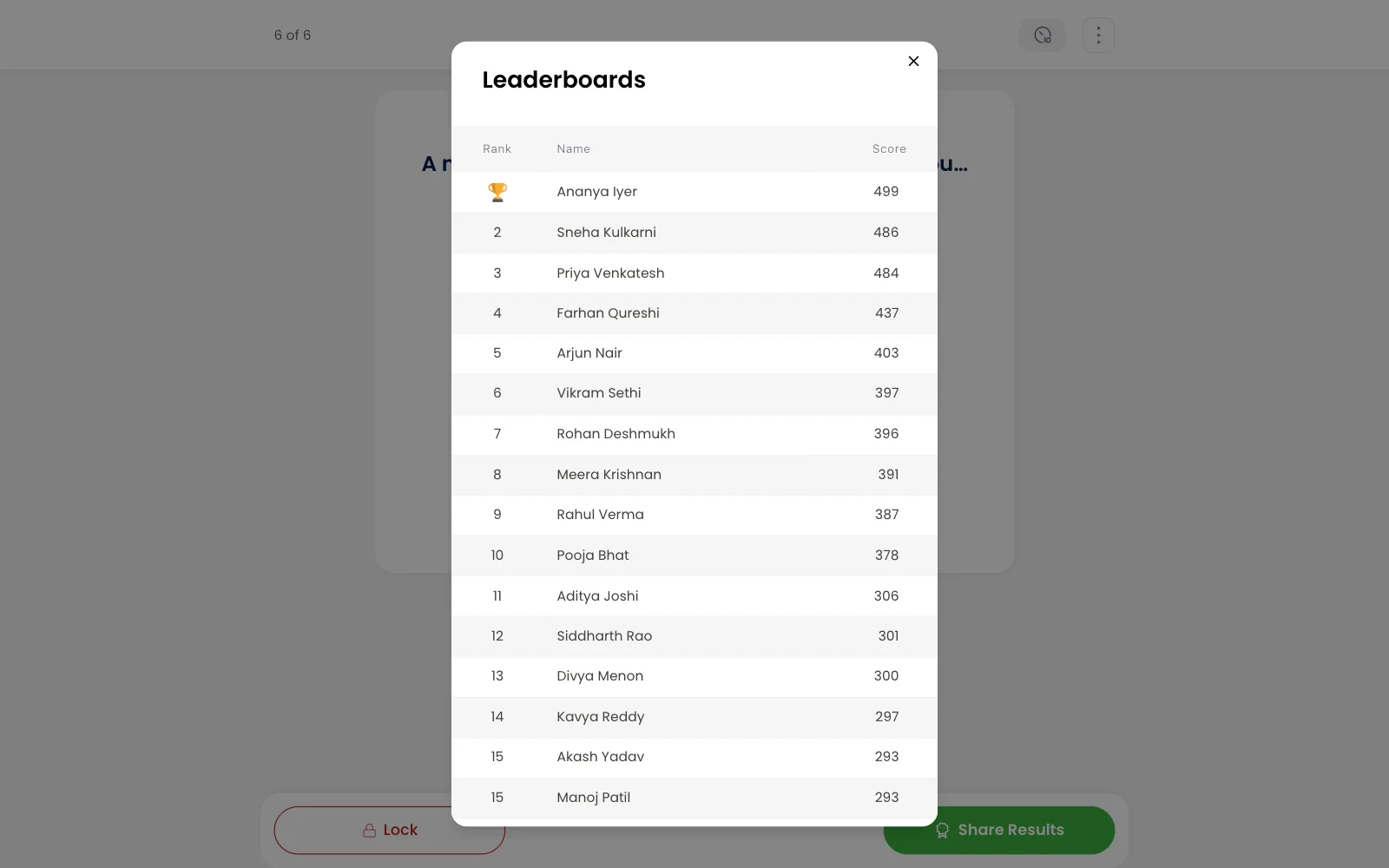
- Check the leaderboard privately, or show it on every student's screen
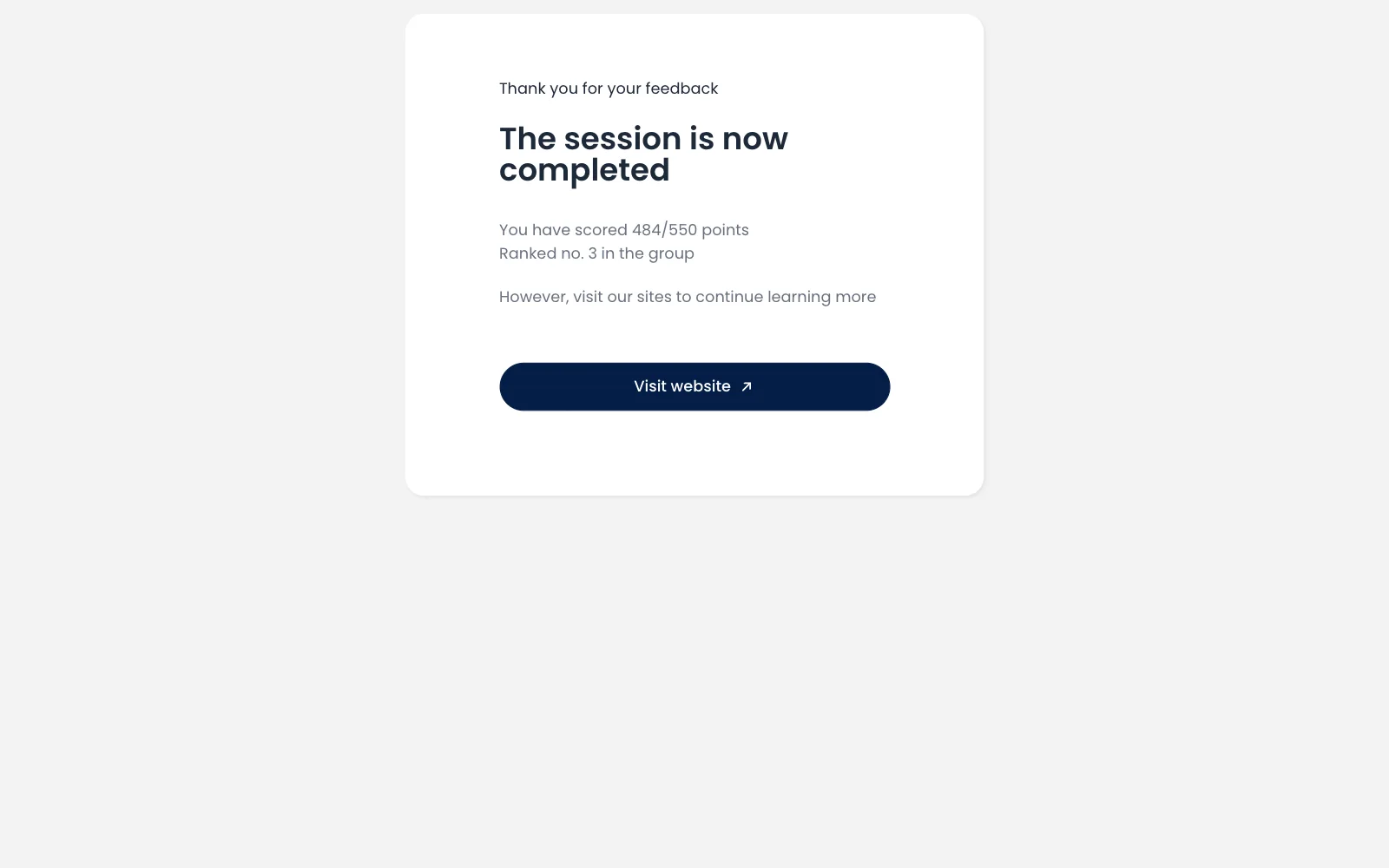
- Share the final results, collect feedback and end the session
Questions and scoring
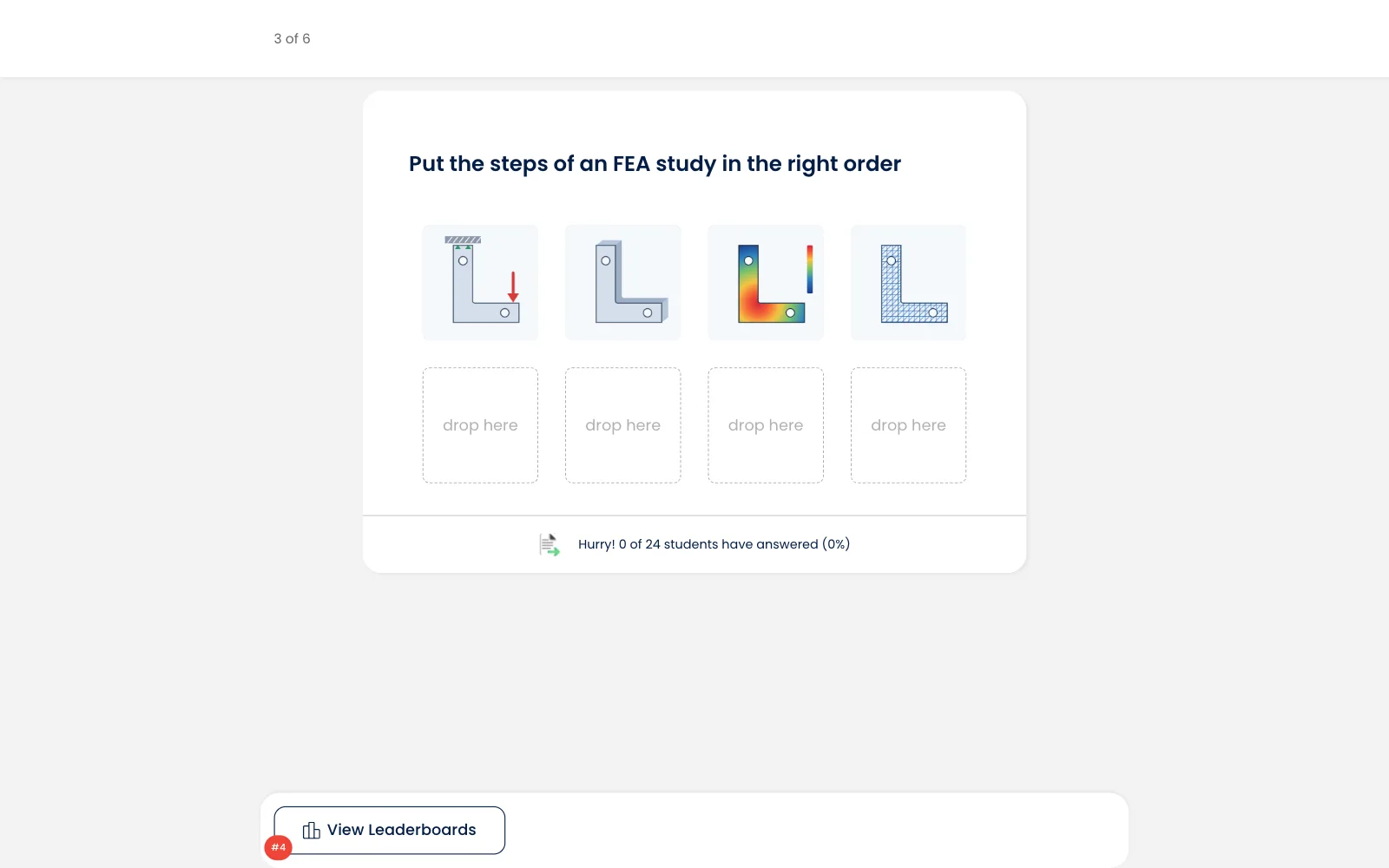
- Multiple-choice questions, open questions, and picture questions where students drag tiles into the right order with a mouse or a finger
- A faster right answer scores more, so every question turns into a race
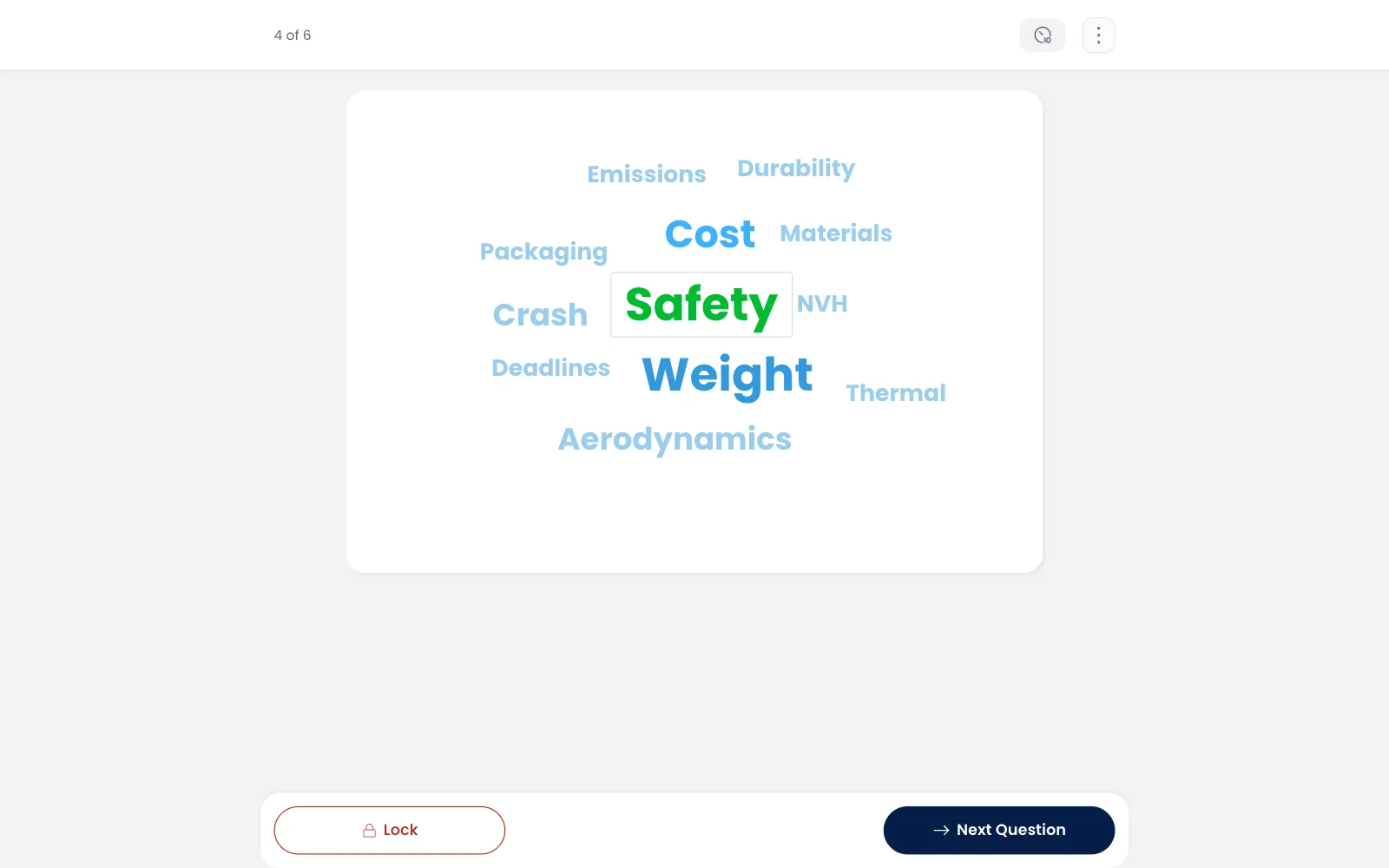
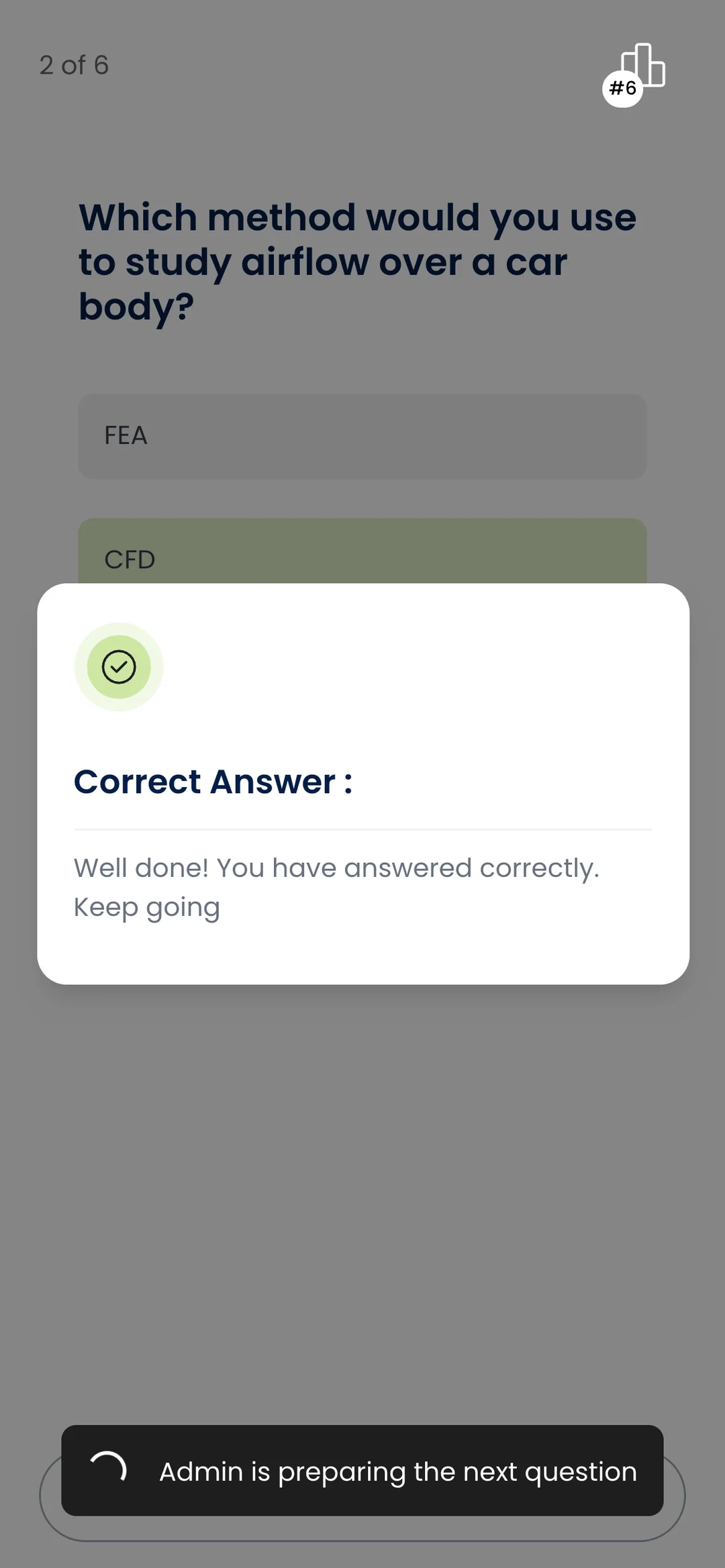
- After answering, students see straight away whether they were right, and open answers from the whole room show up as a word cloud
Results and follow-up
- A leaderboard that reorders itself as scores come in, with each student's own row highlighted
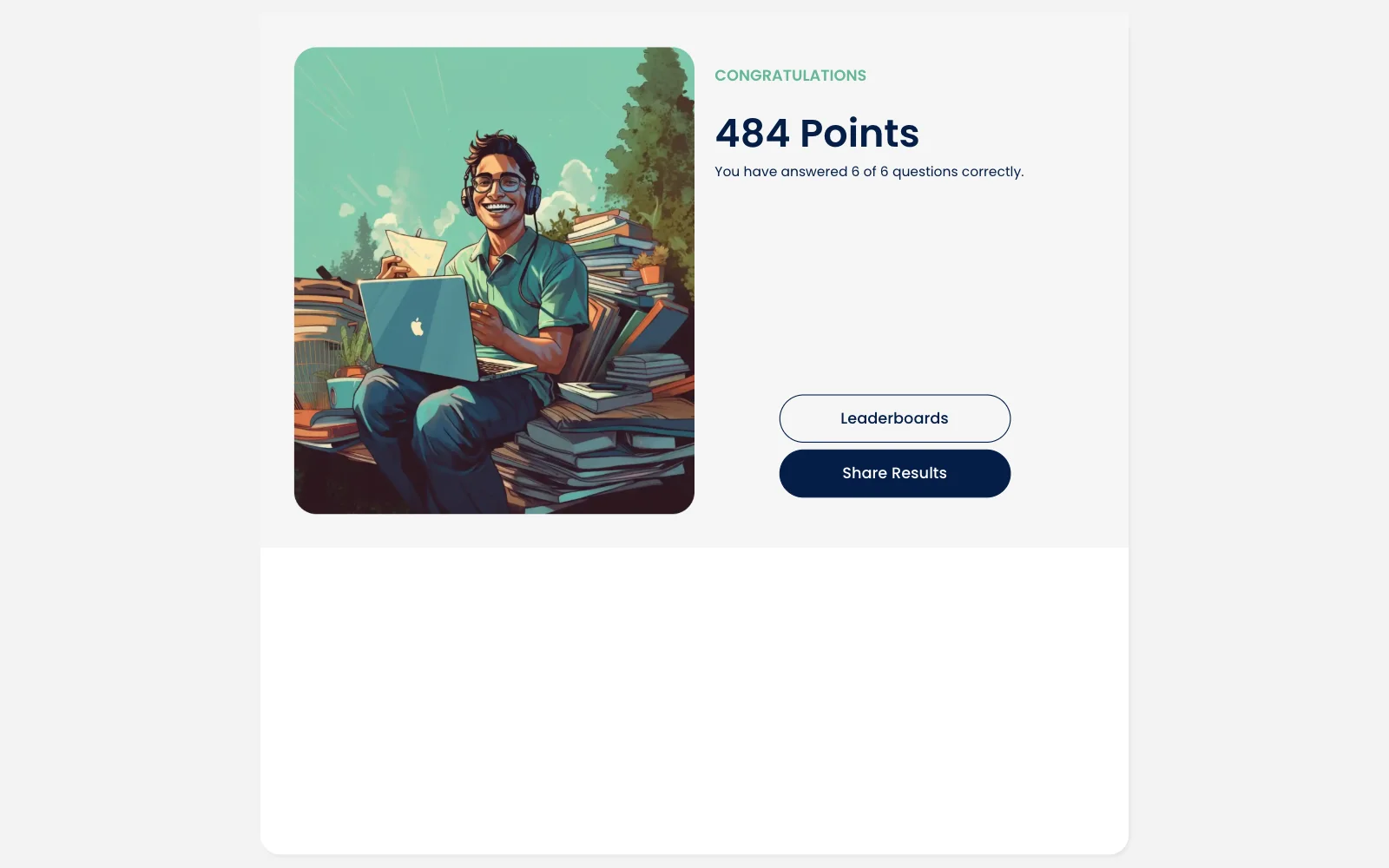
- Each student's points, how many they got right and their rank in the group
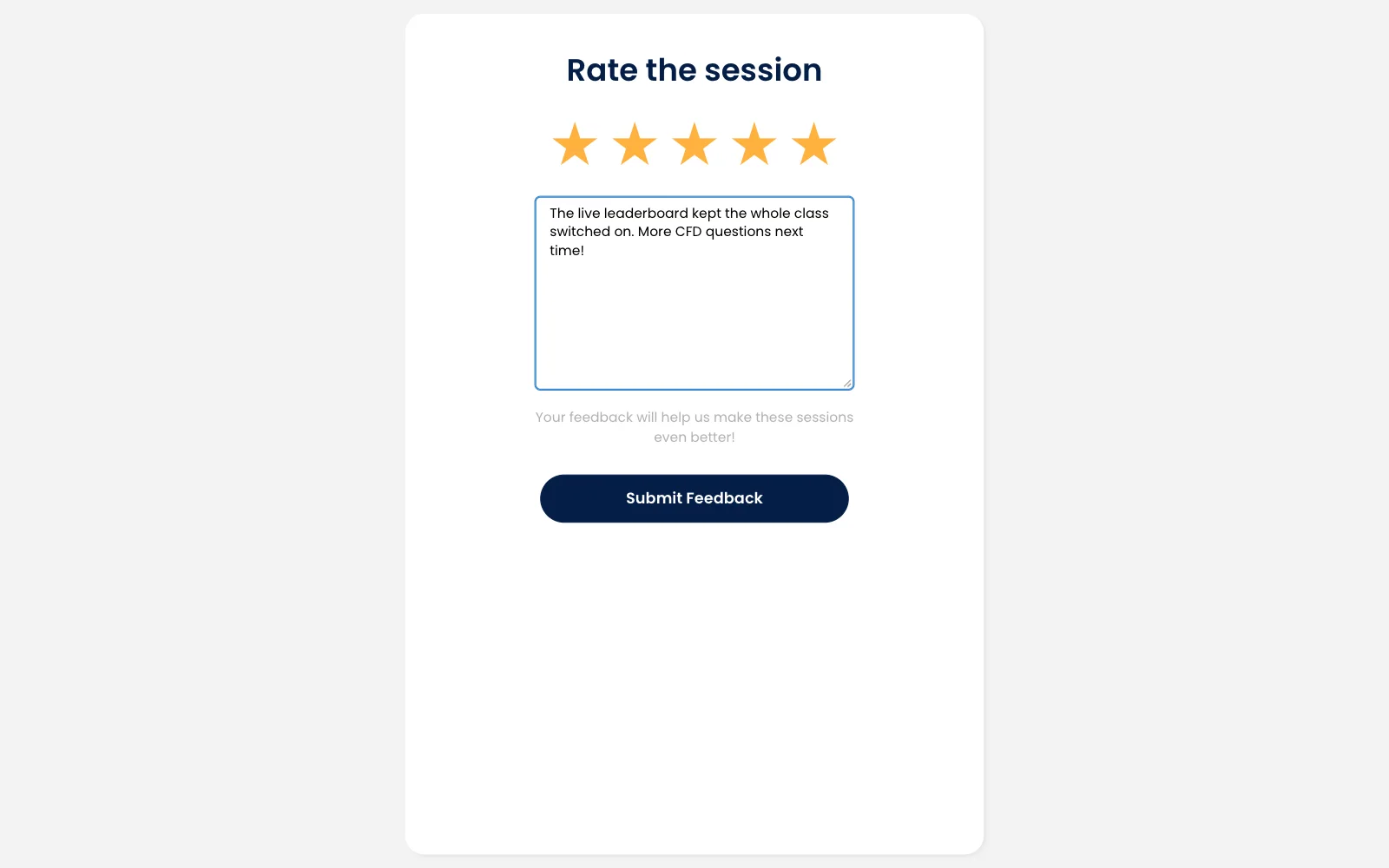
- A star rating and a comment box at the end of every session
- A public results page each student can share on LinkedIn
- Everyone who joins is passed to Skill-Lync's CRM, along with how long they stayed
Inside the product
Web
A prospect's trial-class page, with the course, a countdown to the start and the buttons to join the class or the live quiz
App
A student joins from their phone by typing the session code
Technology
Tech stack
- Next.js
- React
- TypeScript
- Chakra UI
- SWR
- Socket.IO
- ECharts
- React DnD
- NestJS
- MikroORM
- PostgreSQL
- Docker
- AWS (S3, CloudFront, ECR, EKS)

Integrations
- Skill-Lync CRM